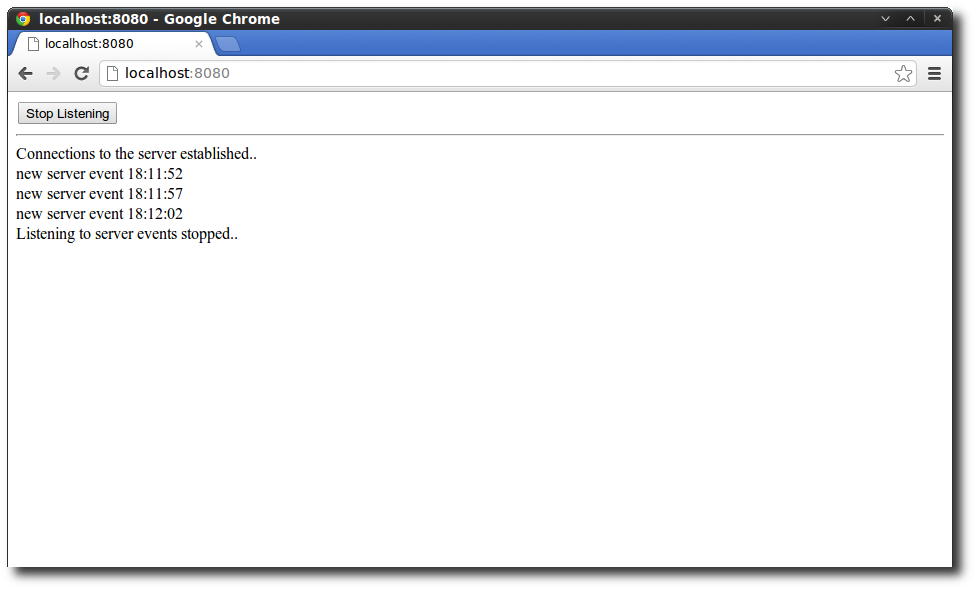
HTML5 Server Send Events using Node.js or Jetty

The HTML5 working draft describes different techniques to push information from a server to the client and the one described in this tutorial are Server-Send Events (SSE). Using Server-Send-Events eliminates the need to poll a server periodically for information using AJAX and is really easy to implement because of the simple specification and the fact that nearly all modern browsers already implement this specification. The Client Side Registering for Server Send Events (SSE) is quite easy .. simply create a new EventSource object that is bound to the URL where the events are propagated. ...
October 21, 2012 · 4 min · 720 words · Micha Kops

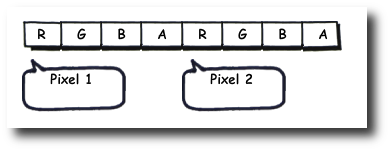
Video Manipulation using HTML 5 and Javascript

Some funny stuff can be done using HTML 5, canvas elements and the video events API. In the following example we’re using these techniques to apply graphic effects to a video embedded in a HTML page.. The Goal Please take a look at the following screencast on YouTube to get an idea of what the final example looks like or just take a look at the demo page. As you can see a video is rendered and a clone is displayed with a strange swirl effect applied. ...

August 5, 2012 · 3 min · 636 words · Micha Kops

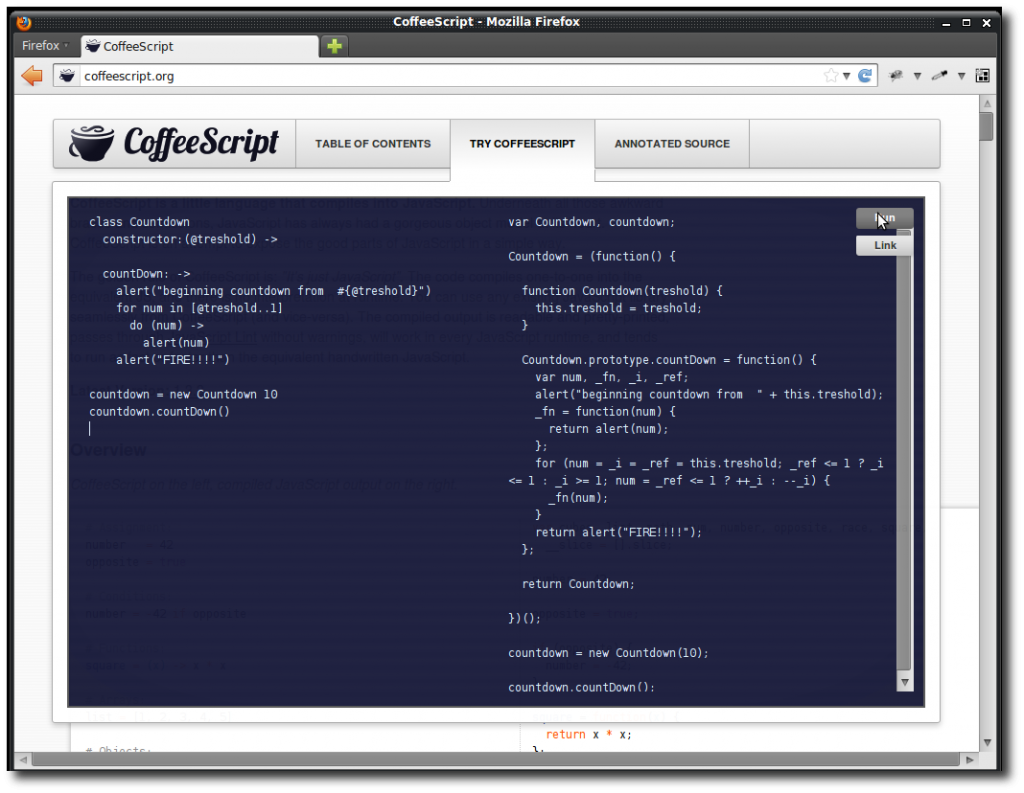
Compiling CoffeeScript with Maven

CoffeeScript is a neat language that is transcompiled into JavaScript but is more predictable and allows to write the same code with 1/3 fewer lines and of course with a (imho) nicer syntax. CoffeeScript is nice but a vivid integration into our application build lifecycle with Maven is better and that is what the following example is all about. Maven Dependencies Though there are some alternatives, we’re using brew here so please add the following dependency to your Maven project: ...

May 18, 2012 · 2 min · 375 words · Micha Kops

JavaScript Snippets

Creating a Nodejs Module 1) Create a package.json using npm init $ npm init This utility will walk you through creating a package.json file. It only covers the most common items, and tries to guess sane defaults. See npm help json for definitive documentation on these fields and exactly what they do. Use npm install <pkg> --save afterwards to install a package and save it as a dependency in the package.json file. ...

March 1, 2010 · 3 min · 507 words · Micha Kops