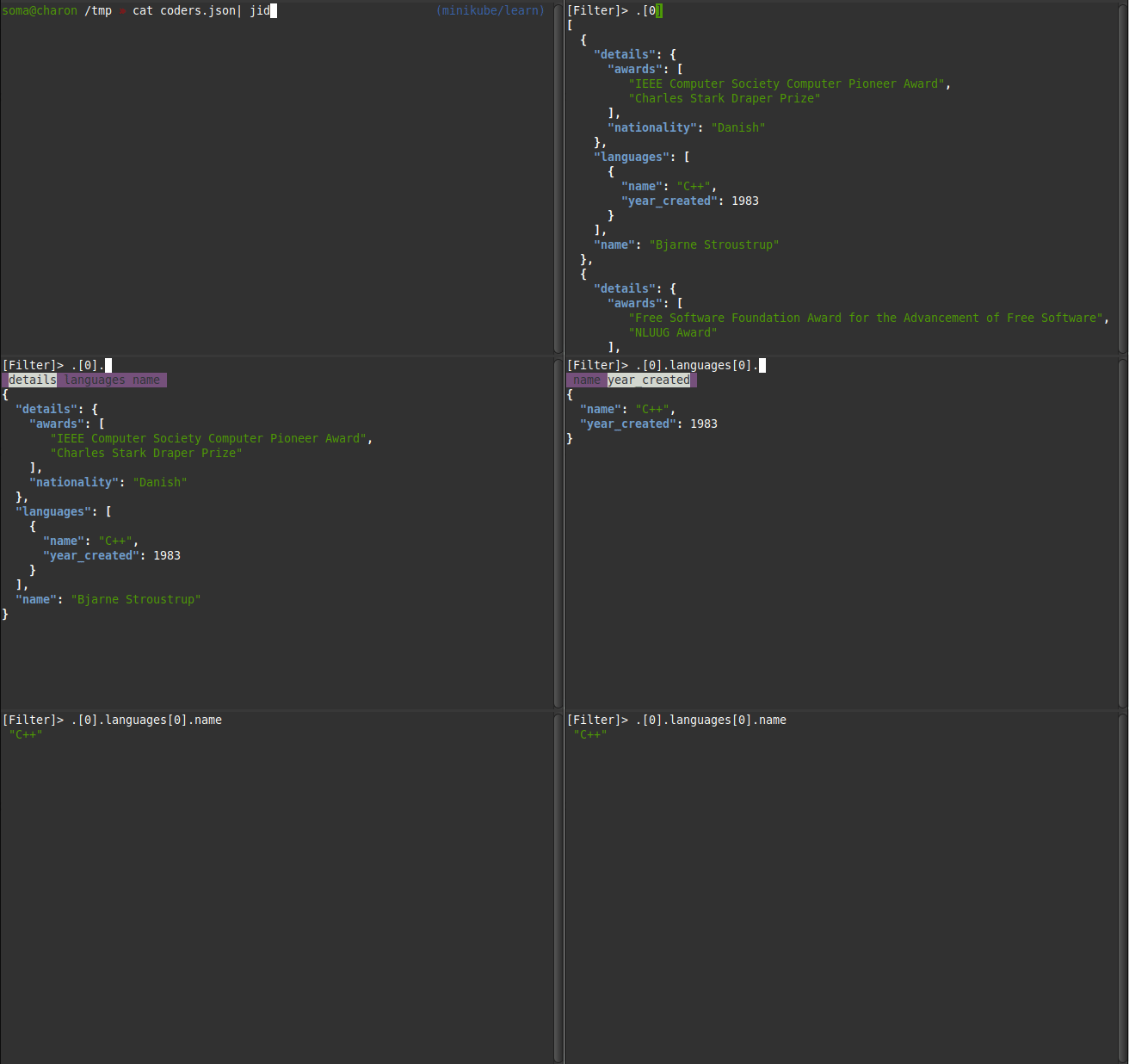
jq Snippets

Sample JSON File Sample JSON File containing well known programmers that we use for the following examples coders.json [ { "name": "Bjarne Stroustrup", "languages": [ { "name": "C++", "year_created": 1983 } ], "details": { "nationality": "Danish", "awards": ["IEEE Computer Society Computer Pioneer Award", "Charles Stark Draper Prize"] } }, { "name": "Guido van Rossum", "languages": [ { "name": "Python", "year_created": 1991 } ], "details": { "nationality": "Dutch", "awards": ["Free Software Foundation Award for the Advancement of Free Software", "NLUUG Award"] } }, { "name": "James Gosling", "languages": [ { "name": "Java", "year_created": 1995 } ], "details": { "nationality": "Canadian", "awards": ["Order of Canada", "The Economist Innovation Award"] } }, { "name": "Dennis Ritchie", "languages": [ { "name": "C", "year_created": 1972 }, { "name": "Unix", "year_created": 1969 } ], "details": { "nationality": "American", "awards": ["Turing Award", "National Medal of Technology"] } }, { "name": "Brendan Eich", "languages": [ { "name": "JavaScript", "year_created": 1995 } ], "details": { "nationality": "American", "awards": ["Webby Award"] } } ] ...

March 1, 2010 · 2 min · 284 words · Micha Kops

Vim Snippets

Format JSON with jq :%!jq . Vim Plugin Manager Installation Download it from its GitHub repository or the risky but easy way using curl: curl -fLo ~/.vim/autoload/plug.vim --create-dirs https://raw.githubusercontent.com/junegunn/vim-plug/master/plug.vim Adding Plugins Add a plugin section to the .vimrc: .vimrc call plug#begin() " The default plugin directory will be as follows: " - Vim (Linux/macOS): '~/.vim/plugged' " - Vim (Windows): '~/vimfiles/plugged' " - Neovim (Linux/macOS/Windows): stdpath('data') . '/plugged' " You can specify a custom plugin directory by passing it as the argument " - e.g. `call plug#begin('~/.vim/plugged')` " - Avoid using standard Vim directory names like 'plugin' " Make sure you use single quotes " Gruvbox Theme Plug 'sainnhe/gruvbox-material' " Initialize plugin system " - Automatically executes `filetype plugin indent on` and `syntax enable`. call plug#end() " You can revert the settings after the call like so: " filetype indent off " Disable file-type-specific indentation " syntax off " Disable syntax highlighting ...

March 1, 2010 · 3 min · 574 words · Micha Kops