Managing Development Tools, Runtimes and Environments with mise
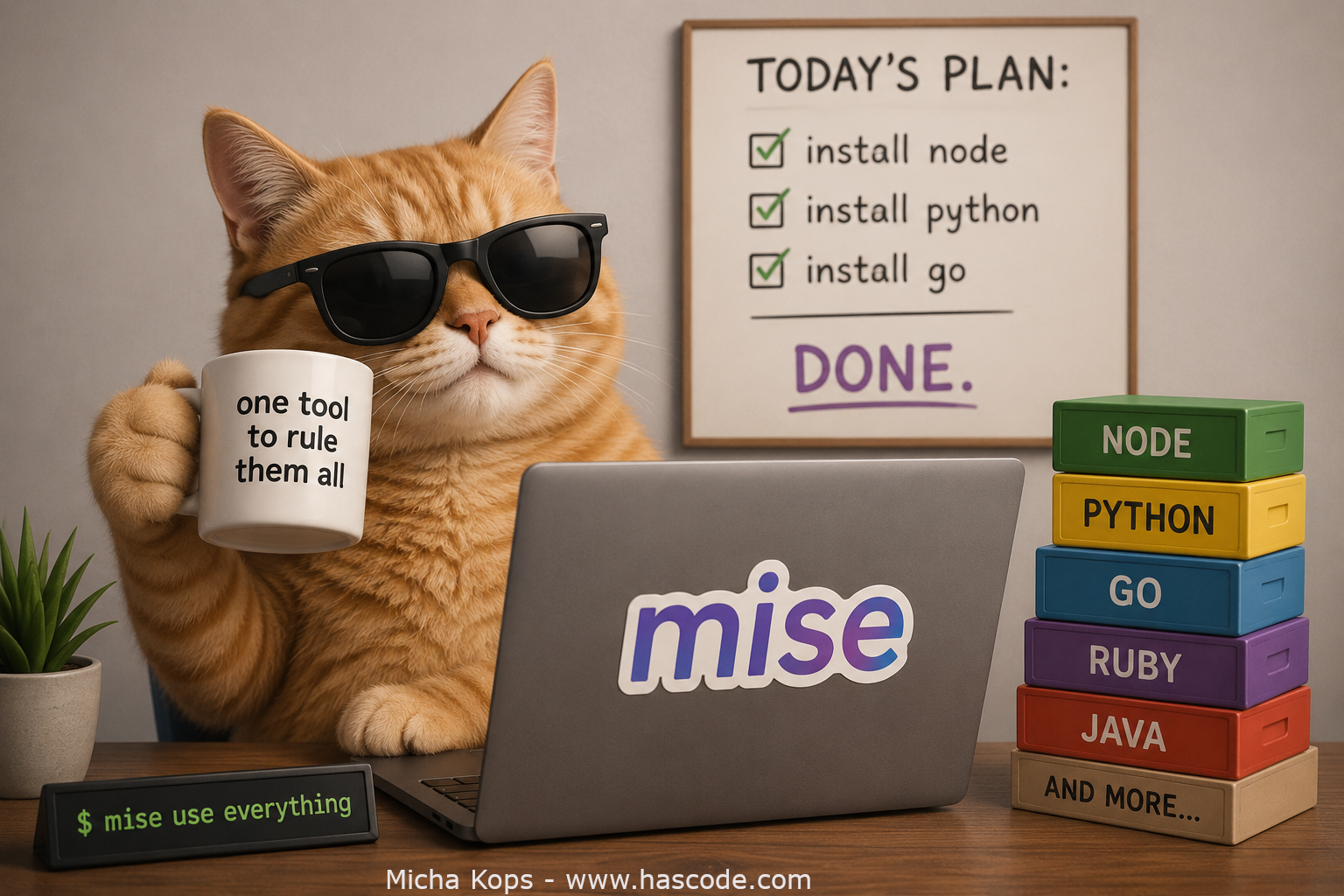
Figure 1. Mise Cover Image Managing different versions of programming languages and command-line tools across projects is a recurring pain. One project needs Node 18, another Node 22, a third pins Python 3.11 while your system ships 3.12. Traditionally we solved this with a zoo of single-purpose version managers like nvm, pyenv, rbenv, sdkman or asdf. mise (pronounced "meez", short for mise-en-place) replaces all of them with a single, fast tool written in Rust. It manages tool versions, per-project environment variables and project tasks – roughly asdf + direnv + a task runner in one binary. ...