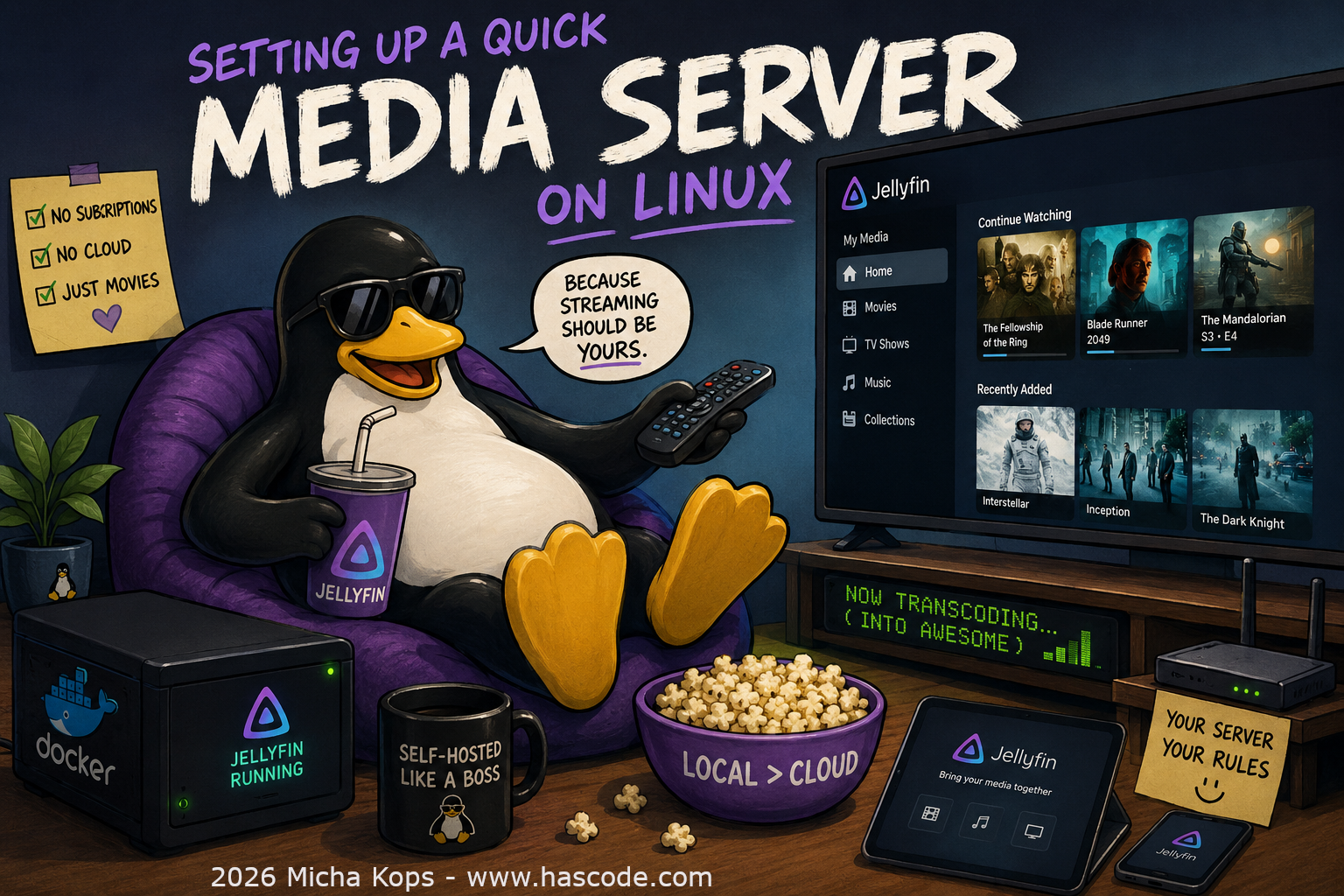
Setting up a quick Media Server on Linux

Want to stream your local movie and music collection to your TV, phone, or tablet — without subscriptions or cloud accounts? A self-hosted media server is the answer, and with Docker it takes about 2 minutes. Figure 1. Mediaserver Cover Image Why Jellyfin? Completely free and open-source (no premium tiers) No account or phone-home required Apps for Android, iOS, Roku, Fire TV, and more Hardware transcoding support Prerequisites A Linux machine (Raspberry Pi, NAS, old laptop — anything works) Docker installed Media files on a local disk or USB drive ...
June 13, 2026 · 1 min · 176 words · Micha Kops

Sensor Fun: Creating a simple audio recorder/player

Sound recording and playback is really simple using the MediaRecorder and MediaPlayer classes .. see the example below .. Sample App First some layout .. a button to start/stop recording and a button to play the recorded stuff (main.xml): <?xml version="1.0" encoding="utf-8"?> <LinearLayout xmlns:android="http://schemas.android.com/apk/res/android" android:orientation="vertical" android:layout_width="fill_parent" android:layout_height="fill_parent" > <TextView android:id="@+id/output" android:layout_width="fill_parent" android:layout_height="wrap_content" android:text="" /> <Button android:text="@+string/record" android:id="@+id/btRecord" android:layout_width="wrap_content" android:layout_height="wrap_content"></Button> <Button android:text="@+string/play" android:id="@+id/btPlay" android:layout_width="wrap_content" android:layout_height="wrap_content"></Button> </LinearLayout> Adjusting the externalized strings in the strings.xml <?xml version="1.0" encoding="utf-8"?> <resources> <string name="app_name">Soundrecorder Tutorial</string> <string name="record">Record!</string> <string name="play">Play</string> </resources> ...

May 2, 2010 · 4 min · 766 words · Micha Kops