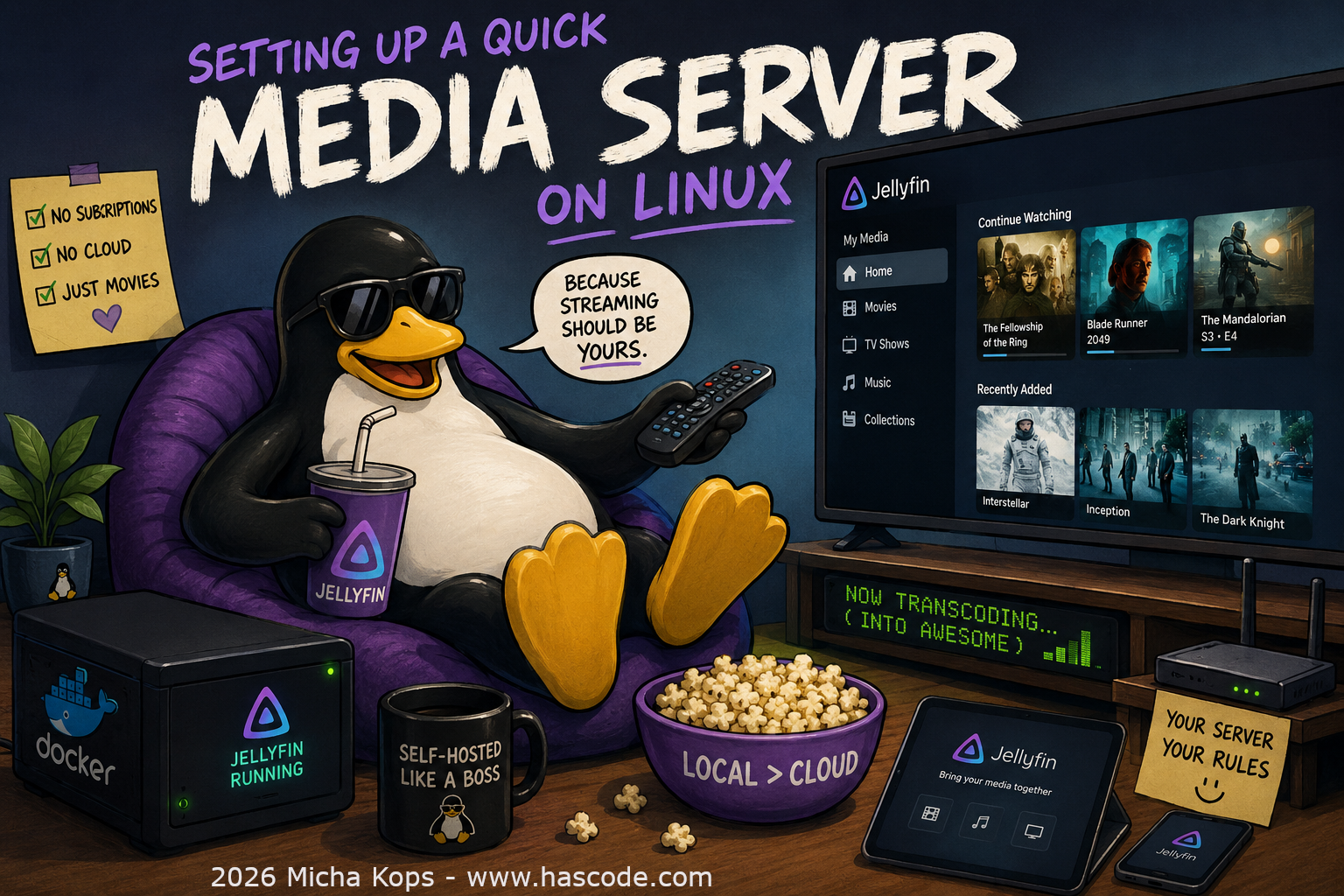
Want to stream your local movie and music collection to your TV, phone, or tablet — without subscriptions or cloud accounts? A self-hosted media server is the answer, and with Docker it takes about 2 minutes.

Figure 1. Mediaserver Cover Image
Why Jellyfin?
-
Completely free and open-source (no premium tiers)
-
No account or phone-home required
-
Apps for Android, iOS, Roku, Fire TV, and more
-
Hardware transcoding support
Prerequisites
-
A Linux machine (Raspberry Pi, NAS, old laptop — anything works)
-
Docker installed
-
Media files on a local disk or USB drive
Jellyfin with Docker
Quick Setup
docker run -d \
  --name jellyfin \
  --restart unless-stopped \
  -v /path/to/config:/config \
  -v /path/to/usb:/media \
  -p 8096:8096 \
  jellyfin/jellyfin
Replace /path/to/usb with your actual media directory (e.g., /mnt/usb/movies).
|
Visit http://localhost:8096/ to enter the setup wizard. Add /media as a library and create a user — that’s it.
Accessing from Other Devices
From any device on the same network, open http://<your-server-ip>:8096 in a browser, or install the Jellyfin app on your phone/TV.